
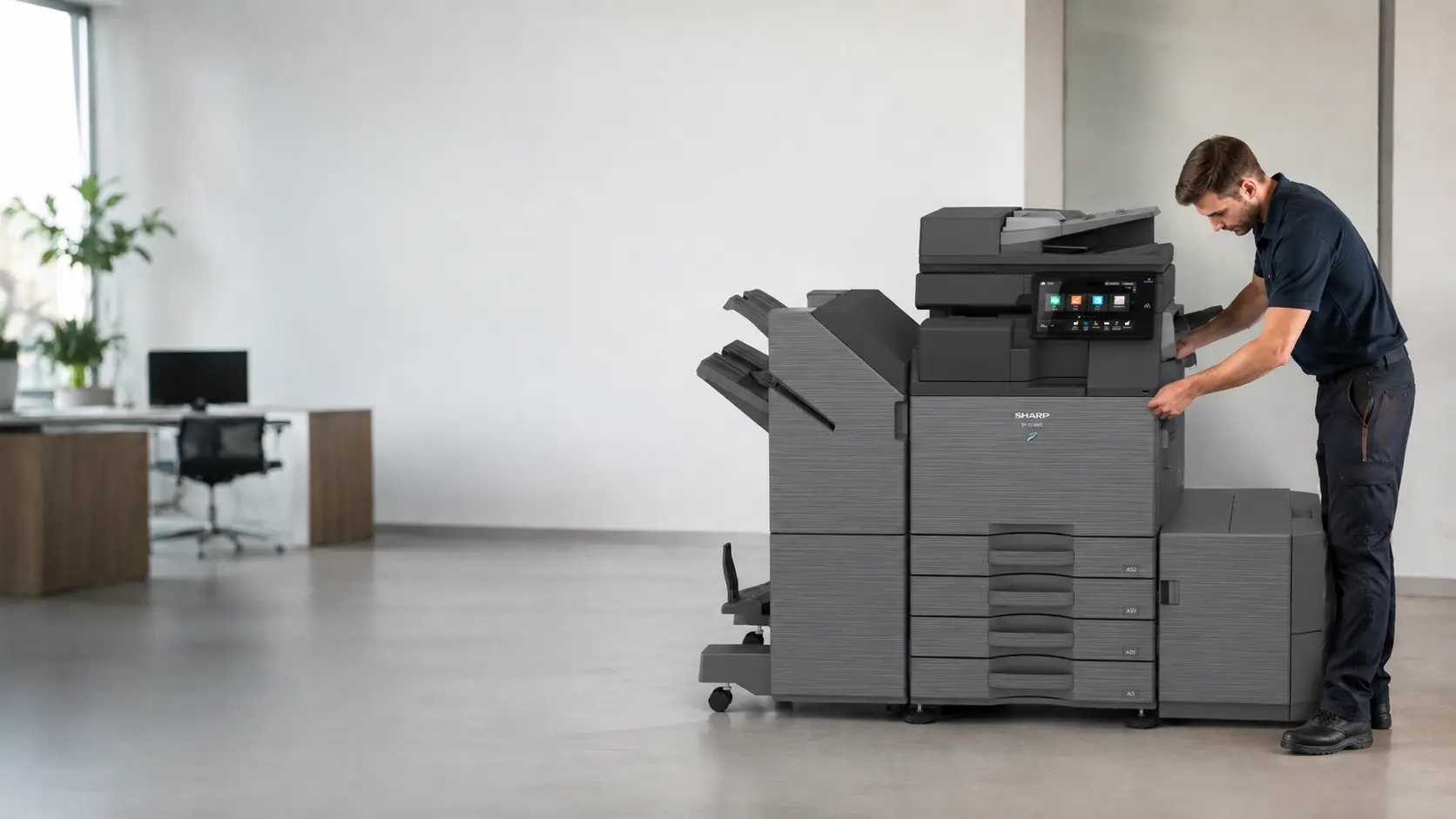
Arrange servicing, fault diagnosis and repairs for photocopiers, multifunction printers and office printers across South West England.
Phoenix supports equipment from most major brands and can help with one-off faults, routine servicing, preventative maintenance and ongoing service arrangements.
You do not need to diagnose the problem before contacting us. The make, model, postcode and a short description of the fault are enough to begin.
When office equipment stops working properly
A fault does not always cause a complete breakdown.
Problems often begin with repeated paper jams, marks on printed pages, faded output, error messages, scanning failures, unusual noises or a machine that has become slow and unreliable. The device may still operate, but every interruption wastes time and affects the people relying on it.
Early investigation can help establish whether the cause is a consumable, worn component, network setting, configuration issue or a more significant mechanical fault.
Common enquiries include:
- paper-feed and repeated jam problems;
- faded, streaked or marked output;
- printing and scanning failures;
- error messages and warning codes;
- network communication problems;
- finishing-unit faults;
- unusual noises;
- unreliable or slow equipment.
A brief description is enough for the initial conversation. Photographs of the machine display or a sample of the faulty output can also be useful.
Repair, servicing and preventative maintenance
These services address different needs.
A repair focuses on a specific fault or loss of function. Routine servicing checks, cleans, tests and adjusts the machine according to its condition and use. Preventative maintenance looks for wear or recurring issues before they cause repeated disruption.
The most suitable approach depends on the equipment, the immediate problem and how important the device is to everyday work.
Routine photocopier servicing
Regular servicing can help equipment operate more consistently and gives an engineer an opportunity to identify wear before it becomes a larger problem.
The level of attention depends on the machine, its age, workload, environment and service history. A lightly used office printer and a busy multifunction device will have different needs.
A service may include inspection, cleaning, testing, adjustment and replacement of serviceable components where required. It also provides a clearer picture of the machine’s overall condition and whether continued use remains practical.
Fault diagnosis and repairs
Effective repair begins with identifying the source of the problem rather than only clearing the visible symptom.
Phoenix uses the information supplied with the enquiry to understand the device and fault. Further checks may be needed to establish the machine’s condition, the likely repair work and whether parts are required.
Where repair is practical, the aim is to return the equipment to dependable use. Where age, condition or parts availability make continued repair poor value, we can discuss replacement options instead.
Paper jams and feed problems
A single paper jam can be caused by damaged paper, an incorrectly loaded tray or a temporary obstruction. Repeated jams in the same area may point to worn rollers, damaged feed components, incorrect media settings or another mechanical issue.
When reporting a recurring jam, useful details include:
- which tray or paper type is being used;
- whether the jam occurs during printing, copying or finishing;
- the location shown on the display;
- whether the sheet is folded, torn or undamaged;
- how frequently the fault returns.
Avoid forcing paper from inaccessible parts of the machine. Torn fragments can remain inside and make the fault harder to trace.
Poor print quality
Faded output, lines, spots, background shading and repeated marks can have several causes.
The issue may relate to a consumable, imaging component, contamination, paper condition, environmental factors or a device setting. A sample page or photograph can help show whether the mark repeats in a regular pattern or appears only on certain documents.
It is also helpful to compare printing with a direct copy made at the device. If copies are clean but computer prints are not, the issue may relate to the driver, document or print settings rather than the imaging system.
Printing, scanning and network faults
Not every service enquiry is mechanical.
A device may print normally but fail to scan to email, lose access to a network folder, disappear from users’ computers or reject authentication details. Changes to passwords, email security, network addresses, firewall rules or device settings can affect functions that previously worked.
Useful information includes:
- whether all users are affected;
- which functions still work;
- the exact error message;
- whether the problem began after a network or email change;
- which scanning destination is failing;
- whether the device can be reached from another computer.
This helps separate a machine fault from a wider network, email or configuration problem.
Service and repair for most major brands
Phoenix services and repairs photocopiers and office printers from most major manufacturers.
The make and model help us identify the equipment, likely parts position and available service information. A photograph of the identification label can be useful when the model number is unclear.
Phoenix can also support equipment that was originally supplied by another company, subject to the condition of the machine and the availability of suitable parts and information.
One-off repair enquiries
A one-off repair can be suitable where a specific machine has developed a fault and there is no ongoing maintenance agreement in place.
We begin with the make, model, postcode and a short description of the issue. Phoenix can then assess the next practical step and discuss any information needed before work proceeds.
For organisations with several devices or repeated support problems, a wider maintenance or Managed Print discussion may provide a more coordinated approach.
Preventative maintenance
Repeated breakdowns are not always isolated events. They may indicate worn components, unsuitable usage, a difficult operating environment or a machine that is being pushed beyond its intended workload.
Preventative maintenance can help identify these patterns and reduce avoidable disruption. It can also support better decisions about whether equipment remains suitable or is approaching replacement.
Service-only maintenance agreements
Phoenix can discuss service-only maintenance agreements for suitable equipment already owned by the customer.
This can provide a clearer support arrangement without requiring the purchase of a new machine. The equipment, condition, usage and support requirements can be reviewed before an agreement is proposed.
A service arrangement may be especially useful where the device is important to daily operations or where several machines need a consistent process for faults and routine attention.
Repair or replacement
Repairing an existing device is often the sensible choice, but not every machine remains economical or dependable indefinitely.
Replacement may be worth considering when:
- the same faults continue to return;
- parts are difficult to obtain;
- the machine no longer meets current scanning or security needs;
- print volumes have moved beyond its intended workload;
- service costs are rising;
- staff are losing significant time to interruptions;
- the equipment is no longer supported by the required network or software environment.
Phoenix can discuss the condition of the current machine and, where appropriate, compare repair with new or refurbished replacement options.
Information that helps us begin
Please provide:
- the make and model;
- a short description of the fault;
- the postcode where the machine is located;
- your contact details.
The following can also help when available:
- the exact error code;
- a photograph of the display;
- a sample of poor-quality output;
- when the problem started;
- whether the fault affects every user;
- any recent network, email or configuration changes.
The first enquiry remains straightforward. Further technical details can be gathered once the problem is understood.
Support for one device or a wider estate
Phoenix can help with an individual faulty machine or a larger group of devices.
Where several printers and photocopiers are involved, it may be useful to review recurring faults, service history, toner handling and replacement priorities across the full estate. Managed Print can provide a more consistent approach to monitoring and supporting multiple devices.
Serving organisations across the South West
Phoenix provides photocopier and office-printer support across Cornwall, Devon, Dorset, Somerset, Wiltshire, Gloucestershire, Bristol and Bath.
Please provide the postcode where the equipment is located, particularly when the organisation has more than one site.
Frequently asked questions
Do I need to know what is causing the fault?
No. Provide the symptoms, error message and machine details. Phoenix can begin the diagnosis from there.
Can Phoenix repair equipment it did not supply?
Yes. Phoenix supports most major brands and can assess equipment supplied by another company.
Is a paper jam always a simple user issue?
No. A one-off jam may be caused by paper loading, while repeated jams can indicate wear, damaged components or incorrect media settings.
Can scanning faults be repaired?
Yes. Scanning problems may relate to the device, email settings, network folders, passwords or other configuration changes. Details of what still works help narrow the cause.
Do you offer ongoing maintenance without supplying a new machine?
Phoenix can discuss service-only maintenance agreements for suitable existing equipment.
Is it always worth repairing an older machine?
Not always. The machine’s condition, parts availability, reliability and suitability for current work all matter. Phoenix can discuss repair and replacement where both are relevant.
What information do you need for a repair request?
The make, model, postcode and a short description of the fault are enough to start. Error codes and photographs are useful when available.
Book a repair or service assessment
Tell us the make and model, describe the fault and provide the equipment postcode.